
Kohi Café de Especialidad
Valencia
Score: 5/10
A video call needs about 4 Mbps. Almost every cafe has more than that, which is why blaming bandwidth for a dropped call is usually wrong. What breaks instead, and how to test a connection in thirty seconds.

A video call needs roughly 4 Mbps down and 3 Mbps up for one person in HD, and less than half that if you accept standard definition. Almost any cafe Wi-Fi clears it. Of the 1,243 venues in our catalogue where reviewers said enough about the connection to rate it, 879 rate fast, and the ones that rate badly are mostly places with no Wi-Fi at all rather than places with slow Wi-Fi.
So when a call falls apart in a cafe, bandwidth is usually not what happened.
Three failures look identical from your seat and have nothing to do with speed.
Packet loss under contention. A cafe access point is shared. At lunchtime it is shared with forty phones that are all quietly syncing photos. A shared router under load does not degrade smoothly; it starts dropping packets. A file download recovers from a dropped packet without you noticing. A live call cannot, because the packet is only useful for the twenty milliseconds it describes. This is why the same Wi-Fi is perfect for email and unusable for a standup.
The captive portal timeout. Many cafe networks re-authenticate every hour or two. You will not notice on a laptop that is idle. You will notice thirty seconds into a call.
Upload, not download. Speed tests report download first and people read that number. In a call your video is going the other way. Cafe connections are very often asymmetric, and a line showing 90 Mbps down can be showing 4 Mbps up.
Before the call, not during it.
Run any speed test and read the upload figure and the ping, ignoring download. Upload above 3 Mbps and ping below 60ms is fine for a call. Ping above 150ms will be audible as people talking over each other.
Then do the part everyone skips: run the test again at the hour you will actually be on the call. A cafe at 9am and the same cafe at 1pm are two different networks, and the difference is exactly the one that matters.
If the call is important, tether from your phone and use the cafe for everything else. A single 4G bar is more reliable for voice than a contended cafe access point, because you are not sharing it with forty photo backups.
Wi-Fi quality is not evenly spread, and the spread follows how much of the local economy runs on remote work.
| City | Cafes read | Fast Wi-Fi | Laptop friendly | Open past 9pm |
|---|---|---|---|---|
| Porto | 189 | 82%of 33 rated | 79%of 48 | 49%93 places |
| Chiang Mai | 286 | 81%of 180 rated | 75%of 208 | 24%68 places |
| Bangkok | 220 | 80%of 61 rated | 81%of 105 | 15%33 places |
| Canggu | 377 | 78%of 251 rated | 76%of 280 | 61%229 places |
| Valencia | 188 | 77%of 30 rated | 75%of 40 | 45%84 places |
| Lisboa | 308 | 74%of 140 rated | 64%of 213 | 34%105 places |
| Madrid | 195 | 67%of 39 rated | 57%of 44 | 58%114 places |
| Barcelona | 434 | 63%of 281 rated | 60%of 248 | 57%249 places |
| Berlin | 499 | 58%of 228 rated | 58%of 358 | 28%140 places |
Canggu and Chiang Mai run highest, which is what happens when cafes compete for people who work in them. Berlin sits at 132 of 228 rated venues, the lowest share of the large catalogues, and that reflects a city full of very good cafes that were built to be cafes rather than offices.
Sit within sight of the router if you can see one, and away from the kitchen if you cannot. Microwave ovens and 2.4GHz Wi-Fi share a frequency band, and this is not a myth.
Prefer the 5GHz network when the cafe offers both. It carries less far and is usually far less crowded, which is the trade you want when you are sitting twelve metres from the box.
Join the call on audio first and turn the camera on once it holds. Most of what makes a bad call bad is video, and dropping it is the cheapest fix available.
Have the tethering fallback set up before you need it, because the moment you need it is the moment you cannot calmly set it up. If calls dominate your day at all, a cafe may be the wrong room.

Seminyak, Kuta · 4.6 · 376

Canggu, Bali · 4.9 · 222

Canggu, Kuta Utara · 4.9 · 114

Tibubeneng, Kuta Utara · 4.6 · 835
Canggu, Kuta Utara · 4.7 · 657

Tibubeneng, Kuta Utara · 4.8 · 210
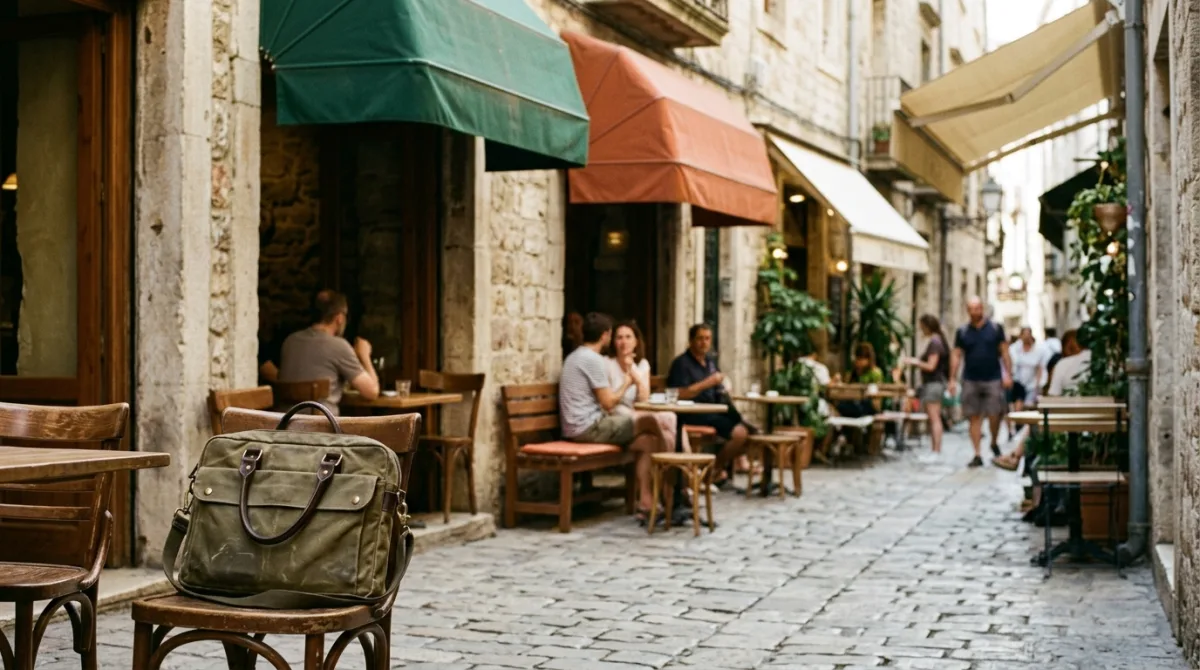
Three cafes in a day works better than one if you match the room to the task. Morning for deep work, afternoon for the shallow stuff, evening for whatever is left, and never more than a ten minute walk between them.
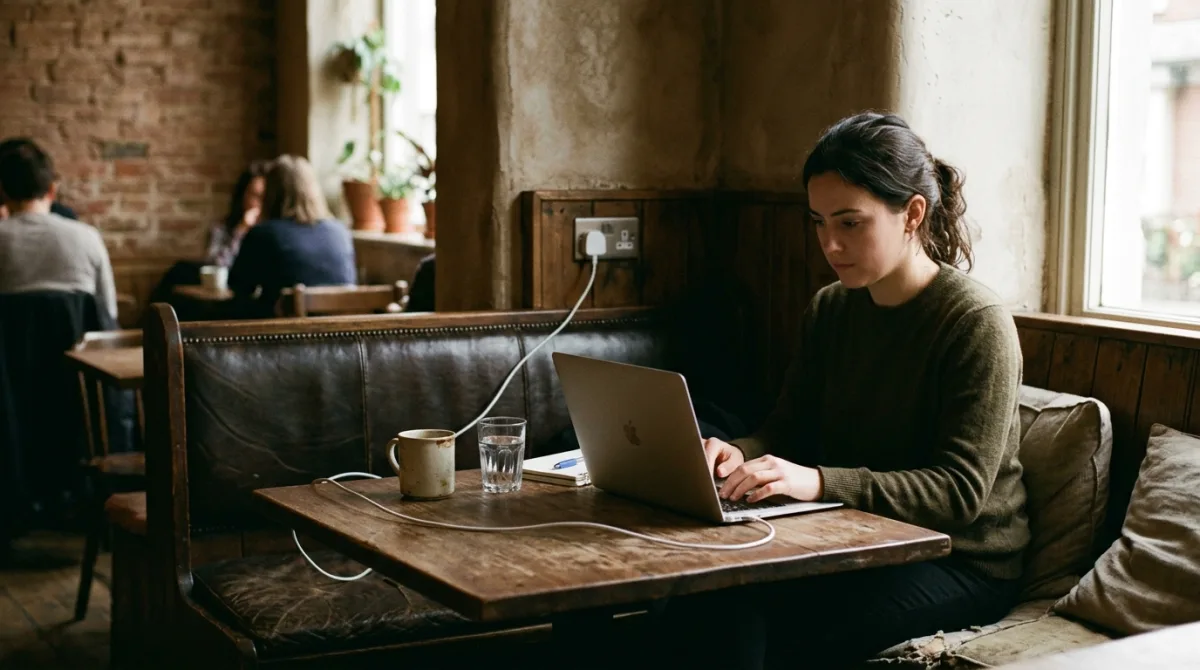
Sockets are the one thing cafe listings almost never record, including ours. Here is what we can and cannot tell you, and the reading tricks that work when the data does not exist.
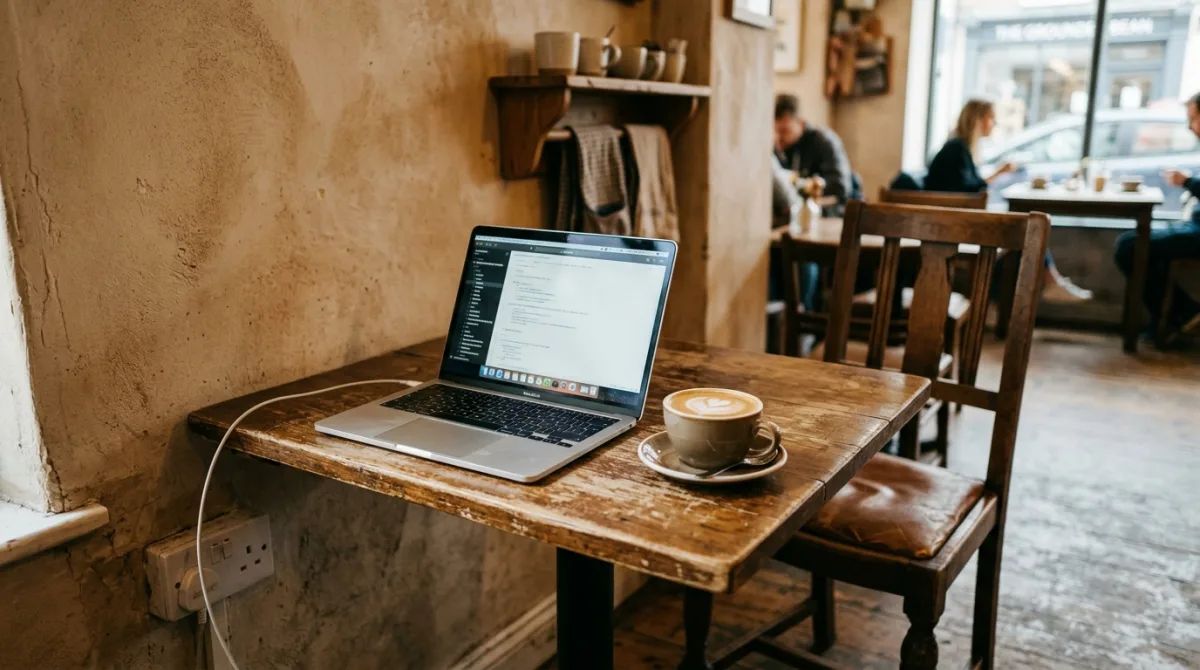
A laptop friendly cafe needs five things, and most places have three. What we found after reading more than 2,000 cafes across nine cities, and how to judge one before you sit down.